Play Cashier Money Game Online
Corner Market brings the checkout-counter side of cashier online games to a small illustrated grocery shop. Scan each item in the customer’s basket, type the receipt total and choose the bills and coins needed for exact change. Start with untimed practice, then try a two-minute rush.
How to play Cashier Money Game online
- Tap each product once to add it to the receipt. Prices are shown beside the products.
- When every item is scanned, enter the total in dollars using the keyboard or number pad, then choose Confirm total.
- Read the customer payment and change due. Select dollar bills and coins to build the exact amount.
- Choose Check change. A wrong amount stays in the tray so you can correct it with Undo or Clear change.
- After the receipt is complete, choose Serve next customer.
Controls
Click or tap products and money buttons. Type into the total field or use the onscreen number pad. Enter confirms the typed total. Pause freezes the rush timer; leaving the tab also pauses the shift. New shift asks before replacing your current cashier session.
A tip before you start
Count up from the total to the customer payment. For a $6.75 total paid with $10.00, the change is $3.25: three $1 bills and one quarter. Check the tray before handing it over.
Cashier games with typing and money
This cashier game online combines typing and money handling in one checkout. Type a decimal total such as 6.75, confirm it, then choose from $20, $10, $5 and $1 bills and 25¢, 10¢, 5¢ and 1¢ coins. Prices and change use whole cents to keep the arithmetic exact.
Twenty groceries, changing baskets
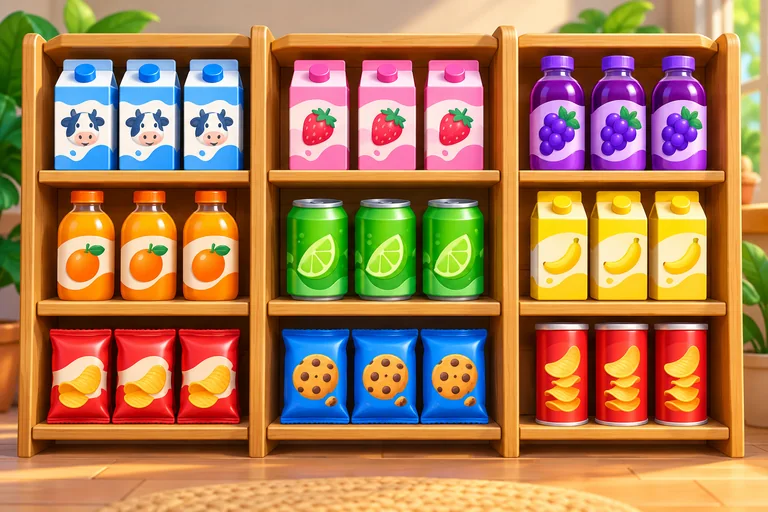
The shop stocks fruit, vegetables, milk, bread, eggs, rice, pasta, cereal, yogurt, cheese, juice, cookies, coffee, honey and soap. Baskets contain two to four products. A scanned product cannot be charged twice. The receipt shows each scanned item and the running total.
Practice before the rush
Practice has no timer. Rush gives you two minutes and records served customers and corrections. Wrong totals and wrong change do not advance the customer. The receipt step still uses time in Rush, so move to the next customer when ready.
Keep your current shift
The current basket, typed total, change tray, mode and sound preference save in this browser when storage is available. Closing the tab does not earn progress or use rush time. A new shift requires confirmation and affects only this game.
Free checkout play
Play in the browser with no account, download or game ads. This is a small entertainment and arithmetic game using play money; it has no purchases or real transactions.
Frequently asked questions
How do I enter a price?
After scanning all products, type the receipt total into the dollars field. Use a decimal point for cents or tap the number pad.
What happens if my change is wrong?
The customer stays at the counter. Undo removes the last bill or coin; Clear change empties the tray. Add the correct amount and check again.
Can I use a touchscreen?
The interface uses tap buttons for scanning, number entry and money selection, with no dragging required.
Does the game save?
The current shift saves locally when storage works. If storage is blocked or unreadable, a notice explains the session limitation.
About Cashier Money Game
Corner Market brings the checkout-counter side of cashier online games to a small illustrated grocery shop. Scan each item in the customer’s basket, type the receipt total and choose the bills and coins needed for exact change. Start with untimed practice, then try a two-minute rush.
Play this casual / puzzle game in the embedded browser player. No app installation or MangoFun account is required. Follow the instructions shown inside the game; controls and device support depend on the title.